Gladiatus Horreum
Gladiatus Horreum is the version 3.1.0 feature for extra storage of forging goods. The idea is to store them outside of your bags. The Horreum also has the ability to upgrade material quality.
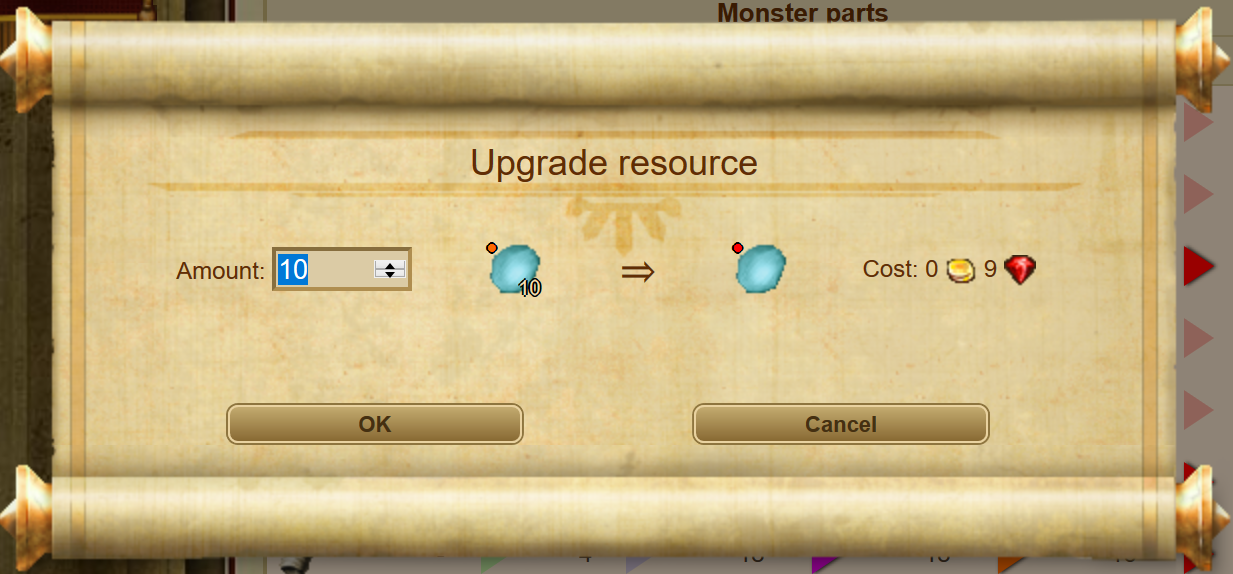
You can store resources here to make space in your inventory. You also have the option of upgrading resources. For 10 units of the same quality level, you will receive 1 unit of the next quality. The blacksmith will charge you a certain amount of gold or Rubies depending on the quality level of the new resource. Click on the arrow in the storage overview to upgrade.
Location
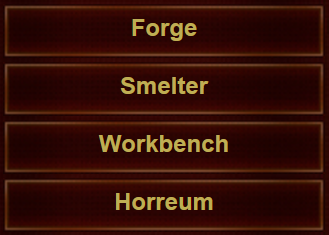
Horreum is officially part of the Forging system. With the introduction of Horreum, all forging components (Smelter, Forge, Workbench, Horreum) are now part of the main menu for easier access.
Store Resources
Horreum's main purpose is to store forging goods outside of bags so they don't take bag space. Before Horreum, most bag space was used by materials of different qualities, and players suffered from low free space constantly. Horreum solves this problem by holding materials in the Horreum system itself. You will need to deposit the materials you have in your bags or in the packaging system into the Horreum.
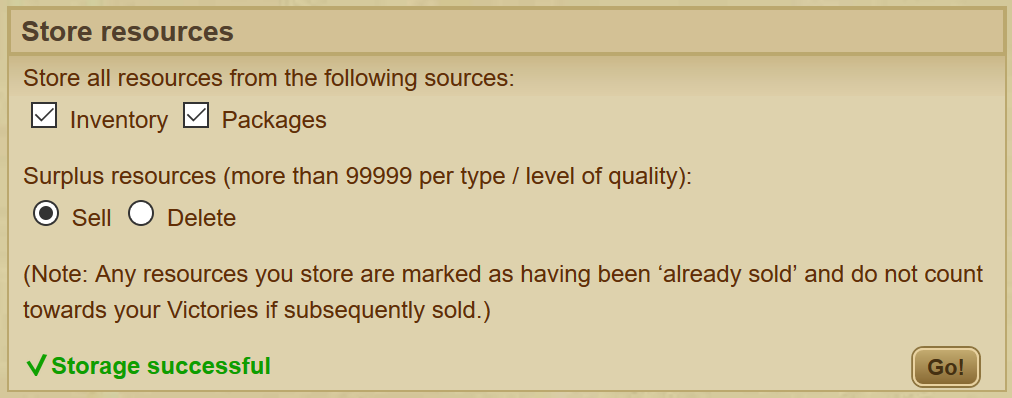
When you click Go, all of your resources will be transferred to the Horreum system. You will not be able to interact with them freely anymore, but you won't need to.
Withdraw Resources
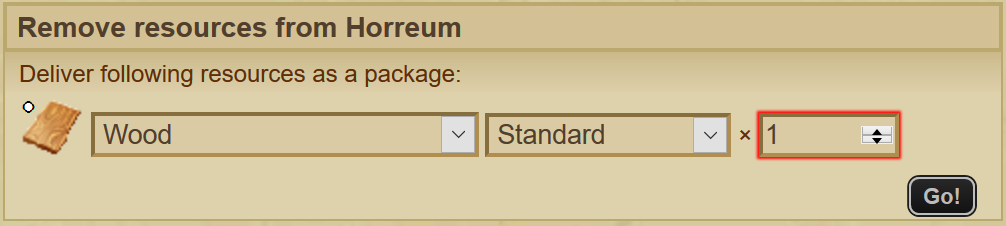
If you want to withdraw resources from your Horreum and have them in your bags/packages, you have the ability to withdraw materials from the Horreum and receive them as packages. Just choose which material, quality, and quantity.
Upgrading Resource Quality
The Horreum can upgrade your material quality color, but it doesn't come for free.
The formula: 10× materials of current color can be upgraded to 1× next color
Quality Upgrade Costs
- 10 White materials → 1 Green material (free)
- 10 Green materials → 1 Blue material for 10

- 10 Blue materials → 1 Purple material for 100
- 10 Purple materials → 1 Orange material for 3

- 10 Orange materials → 1 Red material for 9
- 20× Orange → 2 Red for 18
- 30× Orange → 3 Red for 27
- 20× Orange → 2 Red for 18
How to Upgrade
Click on the arrow where you want to upgrade. This is where you can view how many of each material and quality you have in your Horreum. You can also upgrade them here.
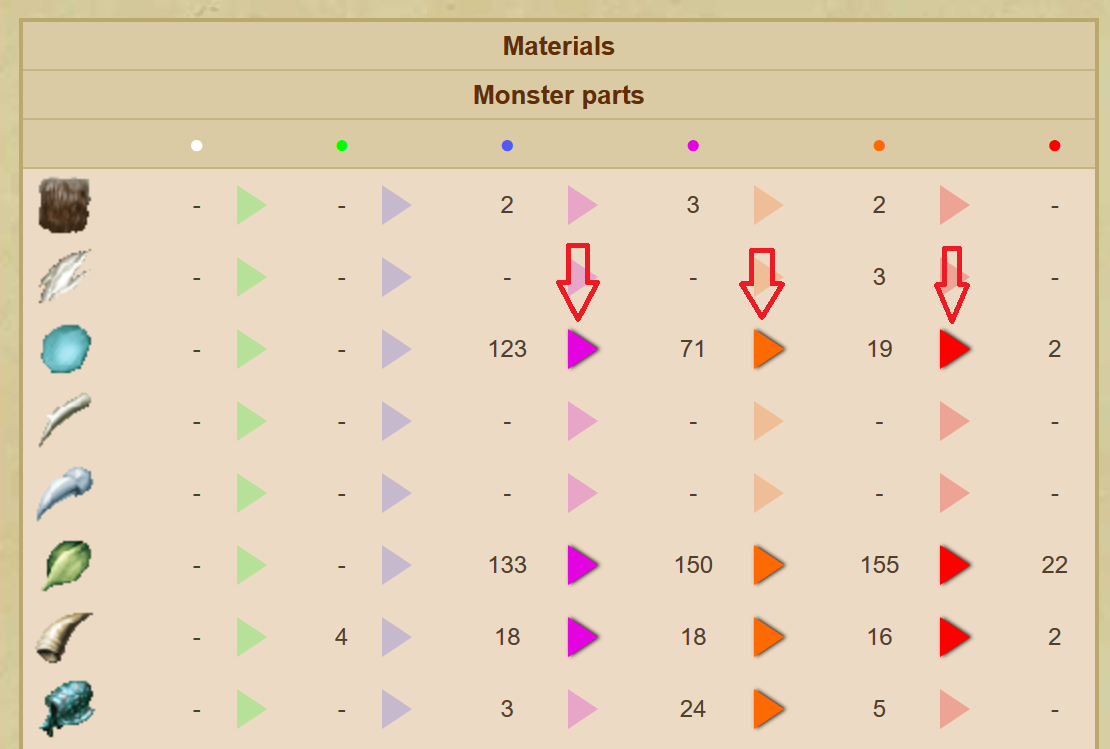
Materials are sorted by types:

Repairing and Forging from the Horreum
So all of your forging materials are in the Horreum. How do you forge or repair your gear?
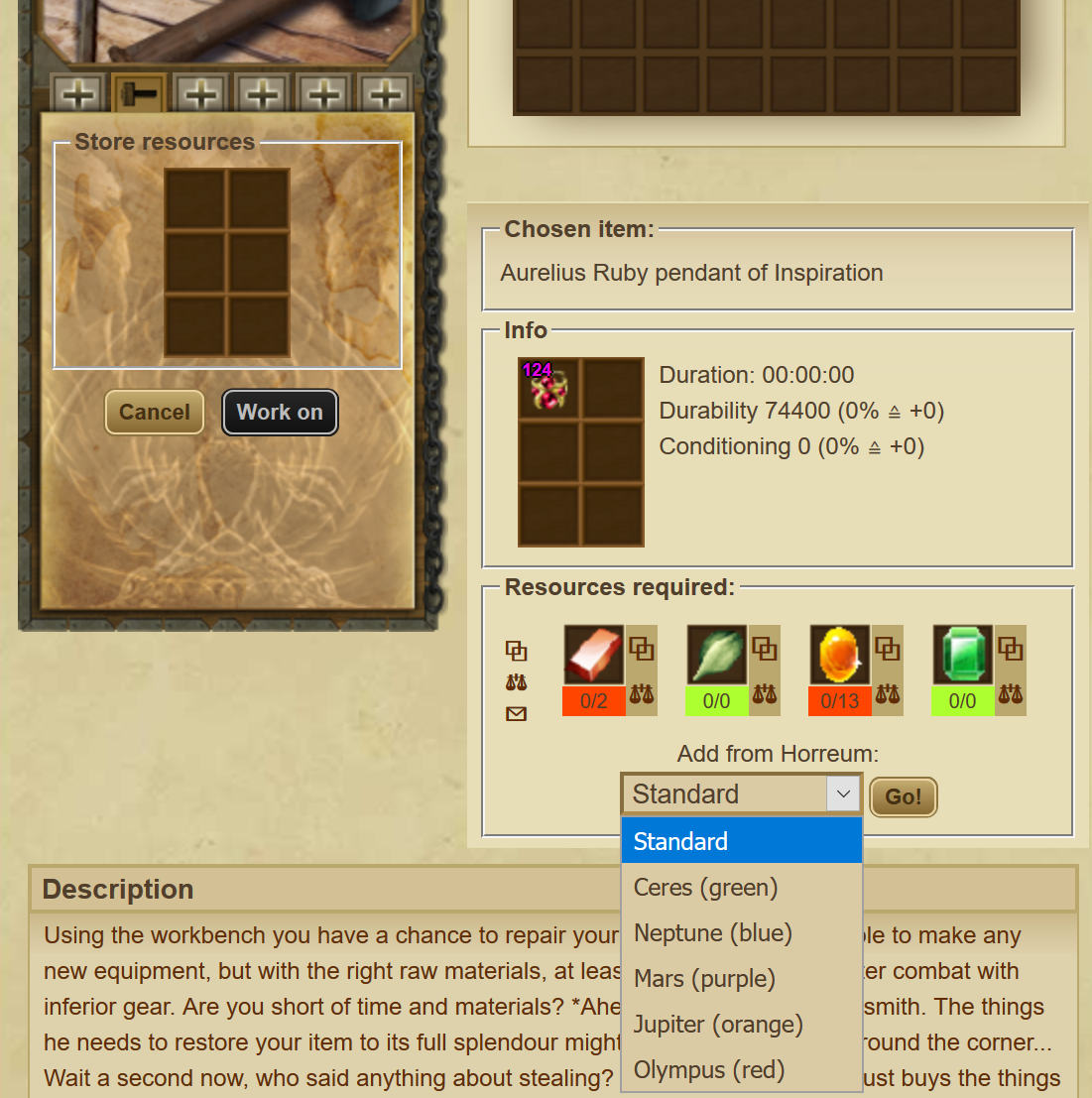
You can now use materials stored in your Horreum directly in the Workbench/Forge interface. However, this is not perfect, as this will automatically add all of the needed materials, so you will not have a chance to choose only certain materials to be used or not. If you want to place only specific materials of specific quality, you will need to withdraw them to your bags and then place them manually in the order/quality you want.
Forge
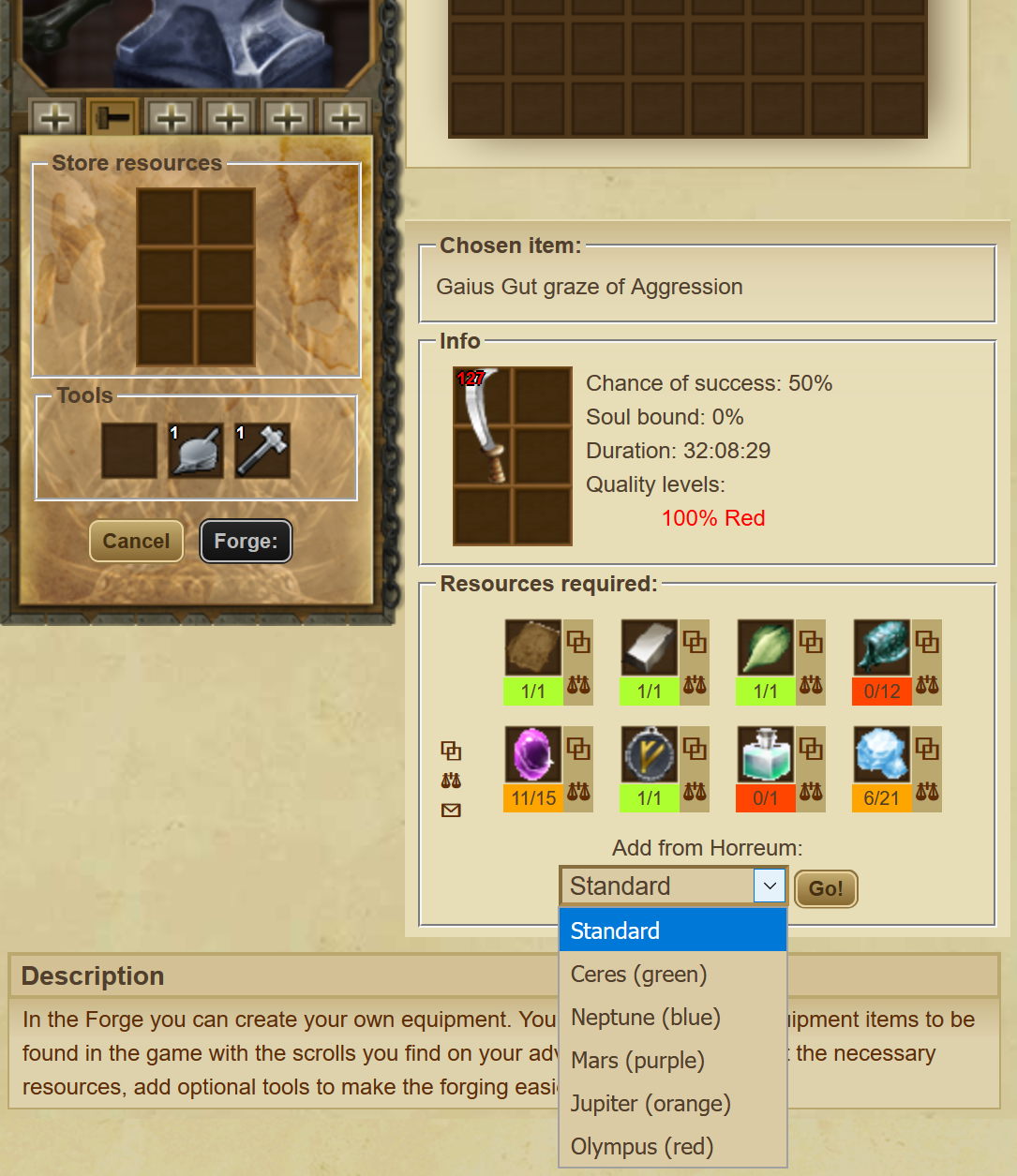
Repair (Workbench)
Advantages vs Disadvantages
Let's talk about what is good and what is not so good about Horreum. The fact that using the Horreum is a choice and not enforced makes it an all-win feature of the game. You can choose certain materials to keep outside of the Horreum for easier use. However, if you choose to use it, Horreum comes with a few shortcomings.
Advantages
- Clears bag space
- Upgrades quality
- Ability to insert materials into Forge/Workbench with 1 click
Disadvantages
- Visibility of what materials you have is somewhat harder than before
- Less control over the materials in general, particularly with the "Add from Horreum" button